How to make a Wi-Fi card guests actually use
Watch what a guest does in the first five minutes after they walk into a rental: bags down, quick look around, phone out. They're checking for the Wi-Fi. If the answer isn't sitting somewhere obvious, you get a text within the hour, sometimes within the first ten minutes.
A printed card does what a text message can't. It's there before anyone has to ask.
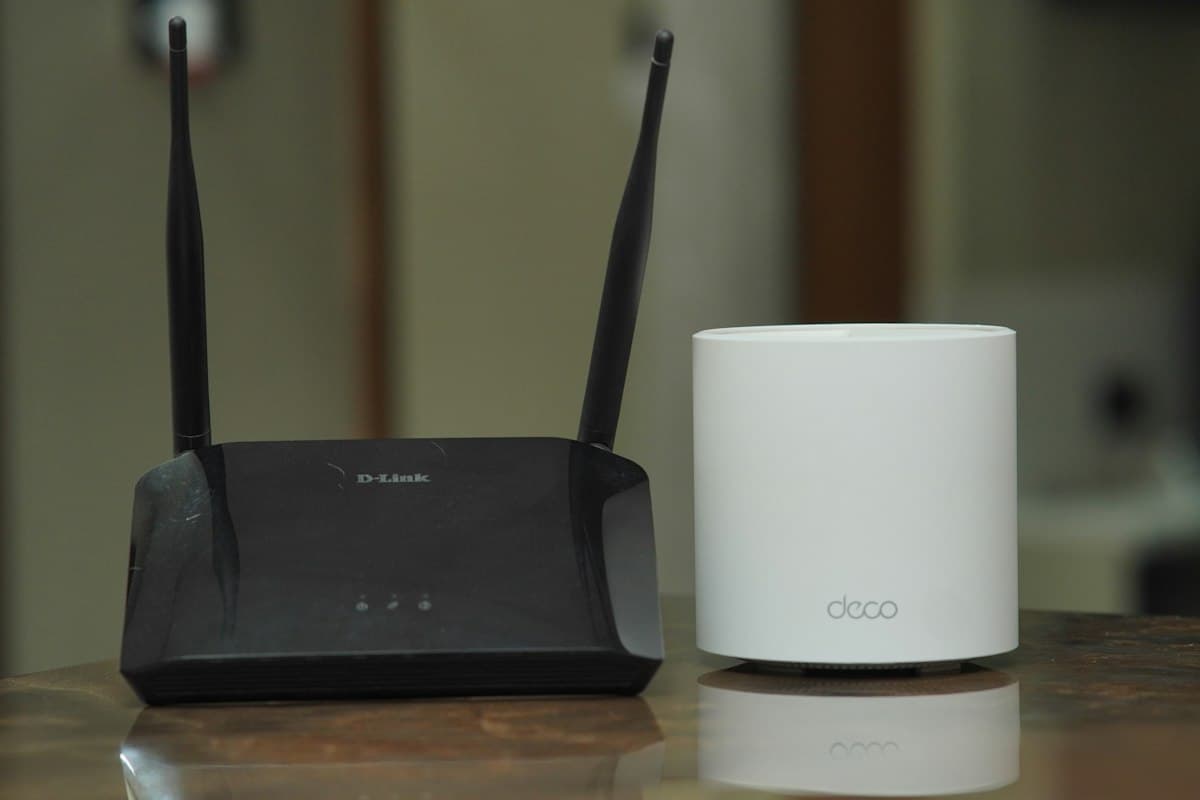
Where it actually gets read
Not in a folder. Not on page four of a welcome book. On the counter, taped by the router, or propped against a lamp on the nightstand.
The rule is simple: put it where the question gets asked. A guest wondering about Wi-Fi is standing in the living room or sitting on the bed, not leafing through a binder on a shelf. Anything a guest has to open in order to find is only found by guests who already went looking, and those are the guests who were about to message you anyway.
If your place has more than one obvious sitting area, print two cards. It costs a sheet of paper.
What it needs, and nothing else
Two lines: the network name, and the password. That's the whole card.
Resist the urge to add your provider's customer service number, a note about which lights on the router mean what, or a paragraph about fair usage. Each addition is individually reasonable and collectively fatal, because every extra line makes the two lines that matter slightly harder to find.
Network: BlueCabin_5G
Password: mountainview24
Large font, high contrast, both lines legible from a normal standing distance. This gets read fast, often one-handed, sometimes with a suitcase still in the other hand.
Make the password possible to type
If you have any control over the password, this is worth two minutes.
Mixed case, ambiguous characters, and punctuation are fine for a laptop and miserable on a phone keyboard held in one hand. A lowercase password made of two or three real words is just as usable and dramatically less error-prone. Avoid characters that look like each other in print: capital I and lowercase l, zero and capital O, and anything that depends on the reader knowing your font.
If you can't change it, at least write it in a font where those characters are distinguishable, and consider noting the tricky one explicitly. "Password: mountainview24 (all lowercase)" prevents a whole category of failed attempts.
The QR code upgrade
Most routers made in the last few years have a QR code sticker on the back or bottom that connects a phone to the network with one scan, no typing at all. If yours has one, photograph it and add it to the card. If it doesn't, a free QR generator will build one from your network name and password in under a minute.
This matters more than it sounds. Typing a mixed-case password on a phone, getting it wrong once, and trying again is exactly the kind of small friction that shapes a first impression before the stay has properly started.
Print the QR code and the text password together. Some guests will scan, some will type, and older phones and laptops can't scan a network code at all.
Say where the signal is weak
One line, and it prevents a specific complaint you'd otherwise hear after the fact.
If the back bedroom is patchy or the garden gets nothing, say so on the card or in the welcome book. Guests are fine with a dead spot they were told about. They are much less fine with discovering it during a work call, and that discovery has a habit of turning up in a review as "the Wi-Fi was unreliable," which reads far worse than the truth.
If you have a guest network, say which one to use and why, so nobody spends five minutes deciding.
Print it once, use it forever
Unlike a message you have to remember to send before every check-in, a printed card only needs to be right once.
That's the real argument for paper here. A message is a task you repeat for every booking, and a task repeated dozens of times is a task you'll eventually forget or send late. A card is a task you do once and then stop thinking about, which is exactly the right shape for a detail that never changes.
The one maintenance rule: if you change the password, change the card the same day. A confidently wrong printed card is worse than no card, because a guest will trust it and retype it several times before doubting it.
A Wi-Fi card template gives you the layout already sized and spaced, so it's a fill-in rather than a design job. If you'd rather guests reached this from their phone alongside everything else, the welcome book template covers the wider set, and what to print and post at check-in explains which pieces earn their place on paper.
Common questions
- What should be on an Airbnb Wi-Fi card?
- The network name and the password, in large high-contrast type, and nothing else. Adding the provider's support number or router troubleshooting notes buries the two lines a guest is actually scanning for. If you can, add a QR code that joins the network on one scan.
- Where should I put the Wi-Fi card in my rental?
- Somewhere a guest looks naturally within the first few minutes: the kitchen counter, taped near the router, or propped on the nightstand. Not inside a folder or on a later page of a welcome book, because those only get opened by guests who already went looking.
- How do I make a Wi-Fi QR code?
- Most routers made in the last few years have one printed on the back or underside that connects a phone with a single scan. Photograph that and put it on the card. If yours does not have one, a free QR generator will build one from your network name and password in under a minute.
Put this into practice
The free templates and tools that cover what this article describes.
Get new host guides, when they’re worth sending
Occasional emails, only when we publish something genuinely useful. No daily digest, no spam, unsubscribe anytime.
Related reading
The parking instructions that stop the most common Airbnb complaint
Vague parking instructions cause more first-hour texts than almost anything else. One specific paragraph fixes it for good.
What to actually print and post at check-in, not just text
A pre-arrival message helps once. A sign posted at the door helps every single stay, for every guest who forgets or doesn't read the text.
Check-in message or welcome book? You probably need both, doing different jobs
Hosts often build one and skip the other, then wonder why guests still ask questions that seem already answered. Here is what each one is actually for.
A guest wants to check in early. What should you say?
Early check-in requests arrive in almost every booking. Deciding your answer in advance beats improvising it while a guest waits.